

Empowering you to lead with poise and confidence
Role: UX Designer
Tools: Lovable, ChatGPT, GA4, Met Office API
Focus: AI-assisted design, rapid iteration, accessibility, and analytics-driven UX
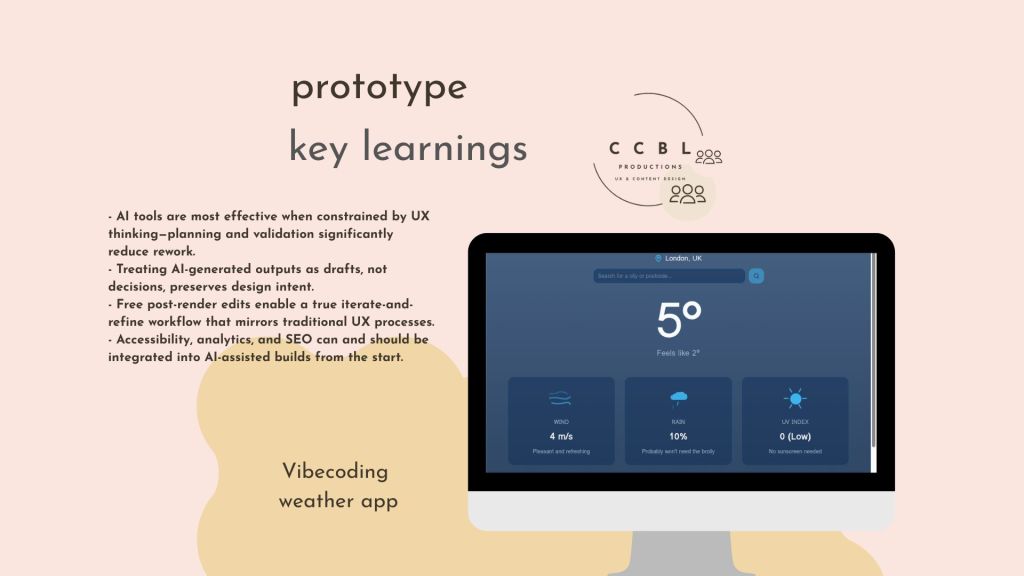
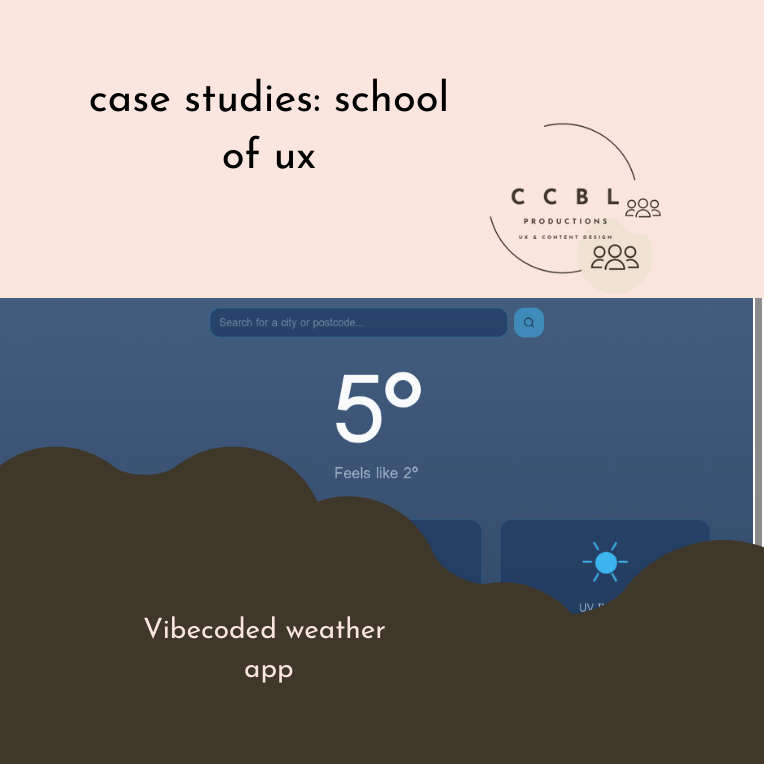
Vibecoding a weather app using the Lean UX framework and APIs
Development with AI
AI-assisted app builders enable rapid development, but without a UX structure, they can lead to inefficient iteration, unclear requirements, and wasted resources.
The challenge was to design and build a functional, accessible weather app using Lovable while maintaining UX rigour, minimising credit usage, and ensuring the product was measurable, usable, and scalable.
Co-designing with Lovable
I treated Lovable as a co-designer rather than a code generator, applying a standard UX framework: planning, validation, iteration, and analysis, throughout the build.
[Sample Generator Block]
Using the planning mode
- Started in Planning Mode to reduce credit usage and prevent premature execution.
- Used Lovable’s scoping questions (audience, location, purpose, visual direction) as a lightweight discovery phase.
- Reviewed and refined the autogenerated plan before approving it, treating it as a design specification rather than a final solution.
- Evaluated data-layer options and selected the appropriate database approach.
- Validated external API requirements by confirming the Met Office API did not require a client ID, unblocking integration early.
Prototyping with Lovable
- Updated the background imagery post-render to better align with the product tone.
- Added a hero icon to the title screen to strengthen visual hierarchy and branding.
- Introduced a persistent header and footer to improve navigation and structure.
Establishing the core functionality
- Added a 7-day weather forecast to increase the depth of information.
- Implemented a location search feature to support multiple cities and user control.
- Inspected the backend structure to better understand how Lovable assembled the app, enabling more intentional edits.
- Applied ARIA roles and descriptive labels to ensure screen-reader compatibility.
- Added structured data markup to improve search engine understanding.
- Validated schema using Google’s Rich Results Test.
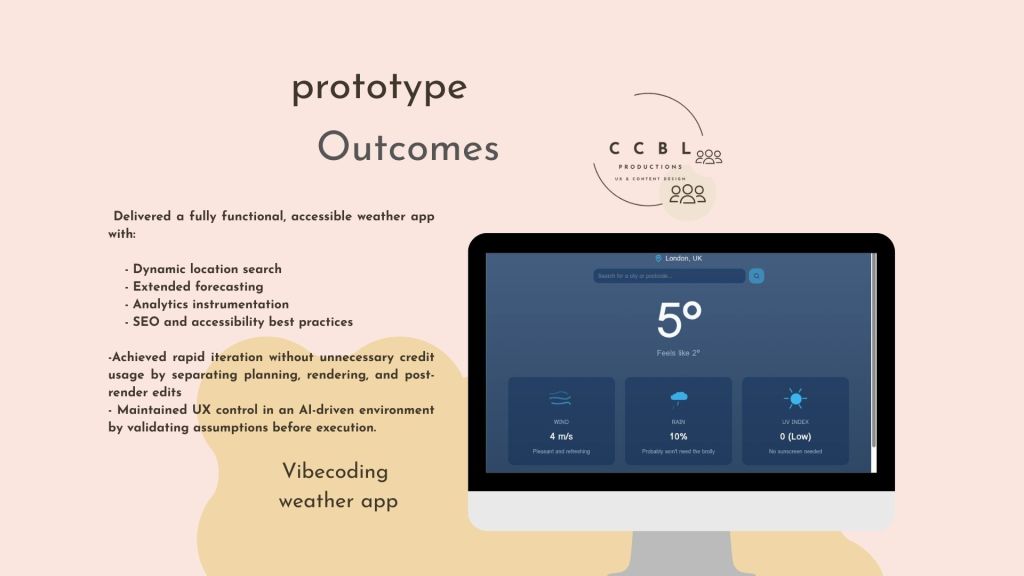
- Delivered a fully functional, accessible weather app with:
- Dynamic location search
- Extended forecasting
- Analytics instrumentation
- SEO and accessibility best practices
- Achieved rapid iteration without unnecessary credit usage by separating planning, rendering, and post-render edits.
- Maintained UX control in an AI-driven environment by validating assumptions before execution.
- Added a
llms.txtfile to guide LLM indexing and interaction. - Explicitly excluded sensitive infrastructure details to reduce risk exposure
Latest posts
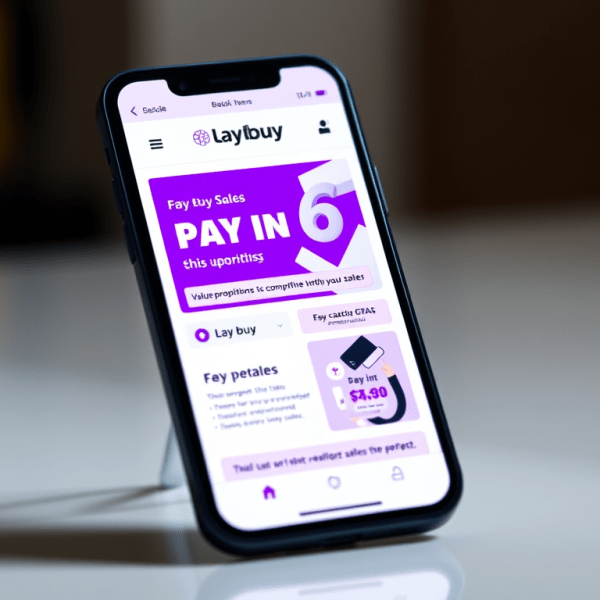
Designing for High Stakes: How Strategic Email Design Fuelled Laybuy’s Sales Success
In the competitive world of Buy Now, Pay Later (BNPL), your message needs to do more than just reach an inbox—it needs to cut through the noise. During a major sales campaign at Laybuy, I was tasked with designing an email suite that not only looked good but also drove measurable action. The Challenge: Standing…

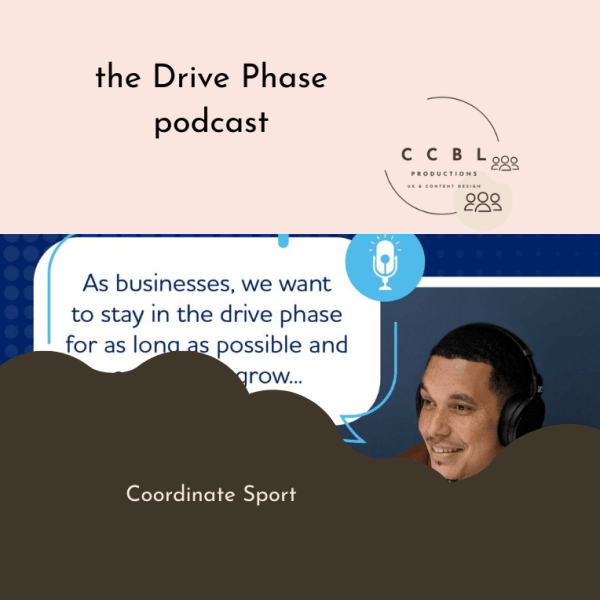
Debunking Myths in Children’s Activity Sector
There is a common misconception that the children’s activity sector, everything from holiday camps to after-school sports aren’t viable childcare or run by professional, passionate, educated people. In reality, it is a highly regulated, logistically complex industry that requires elite-level organisation. At Coordinate Sport, my mission was to use content to bridge the gap between…

From Graduation to Career: Designing Content That Bridges the “Experience Gap”
For many recent graduates, the transition from university to a professional career feels less like a step and more like a leap across a canyon. At Futureboard Consulting, my goal was to build the bridge. By turning direct user interactions into high-impact long-form content, I helped transform the graduate job search from a source of…
Designed with WordPress
 CCBL PRODUCTIONS